



WD SMR Drives & the T2 Translator: How the Second Translation Layer Works
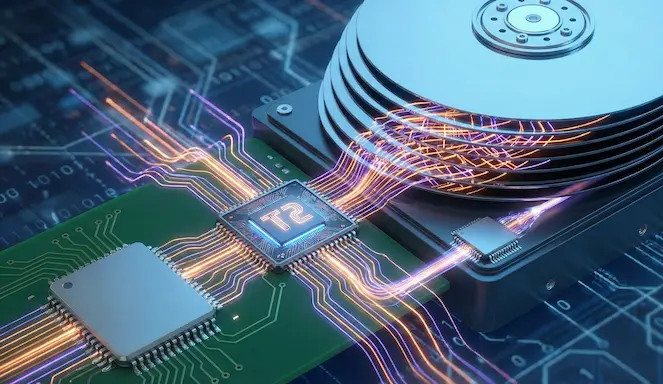 In modern Western Digital hard drives that use SMR (Shingled Magnetic Recording) technology, data management does not rely on a single translation layer. Instead, a second-level translation system, known as the T2 Translator, plays a critical role in both drive operation and data recovery.
Why a single translator is not enough in SMR drives
In traditional CMR drives, the mapping between logical block addresses (LBAs) and physical locations is relatively stable. In SMR drives, however, data is frequently relocated due to the overlapping write method.
Because the write head is wider than an accessible track, modifying a single sector would require rewriting multiple adjacent tracks. To avoid this, the drive redirects writes elsewhere.
How the T2 Translator works in practice
When a sector is modified:
- the new data is not necessarily written to its original physical location,
- it is redirected to unused tracks,
- the LBA-to-physical mapping is updated.
The T2 Translator maintains this mapping, allowing the operating system to see a consistent logical disk even though the data is constantly moving physically.
What happens to older versions of the data
Physical areas containing previous data versions are not immediately erased. They remain on disk until internal maintenance processes such as TRIM or other background operations clean them.
These processes typically run during idle periods to minimize performance impact.
Until then, older data versions remain physically present on the drive.
Why this is critical for data recovery
The existence of the T2 Translator means that:
- the filesystem may reference data that is no longer physically there,
- multiple physical copies of the same data may exist,
- simple scans may read outdated or incorrect data.
After file deletion or partition formatting, proper analysis of the T2 Translator can reveal data that appears lost but has not yet been physically erased.
When things get worse
As long as the drive remains in use, background cleanup mechanisms continue to operate. Each additional write increases the likelihood that:
- older data versions are erased,
- their physical locations are lost,
- recovery chances are significantly reduced.
In WD SMR drives, time and incorrect actions are often the deciding factors.
Next: Why Simple Recovery Tools Fail on WD SMR Drives
WD SMR drive? Don’t make the common mistake.
If your drive is a WD SMR and you have lost access to data (deletion, format, RAW partition, unreadable files), do not run recovery tools blindly.
On SMR drives, every additional scan or write operation can trigger internal cleanup mechanisms (background operations / TRIM) that dramatically reduce recovery chances.
- Stop using the drive immediately.
- Do not run format, chkdsk, or “repair” tools.
- Avoid raw scans unless you fully understand what is being read.
At Northwind Data Recovery, we regularly handle WD SMR cases using physical-level analysis and controlled access methods designed to preserve recoverable data.
Request a case evaluation
|
Drive shipping instructions
Tip: If possible, note the exact drive model (e.g. WDxx…) and what happened (deletion, format, power loss, drop). This helps us quickly assess what is realistic.