



Why Simple Recovery Tools Fail on WD SMR Drives
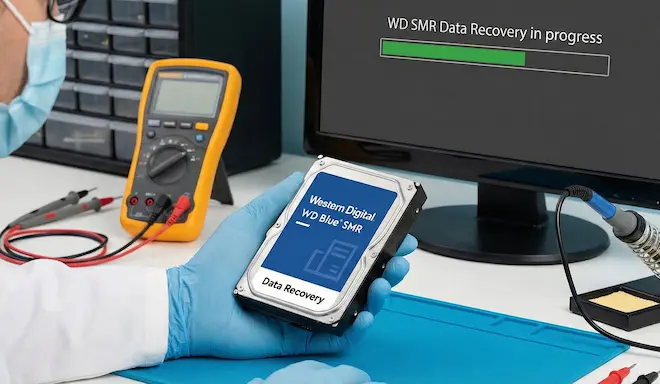
One of the most common mistakes in WD SMR data recovery is relying on simple recovery tools or “one-click” solutions. In many cases, the result is either useless or permanently destructive.
The core problem: they only see the surface
Most recovery tools:
- rely entirely on the filesystem,
- or perform a basic raw scan.
In SMR drives, however, the filesystem does not reflect the physical reality of the disk. Data may have been relocated or may exist only as older versions.
What they ignore about the T2 Translator
In WD SMR drives, the T2 Translator manages the mapping between logical addresses (LBAs) and physical locations.
When data is relocated:
- the LBA remains the same,
- but the physical location changes.
Simple tools have no awareness of this mechanism and read sectors blindly, leading to incorrect reconstructions.
Why raw scanning is not a solution
Raw scans ignore:
- filesystem structure,
- translation layers,
- older retained data versions.
On SMR drives, this often results in corrupted files or data assembled from different points in time.
When recovery tools cause damage
In many cases, the recovery process itself:
- triggers internal cleanup mechanisms (TRIM / background operations),
- overwrites areas that contained older data versions,
- permanently destroys recoverable data.
A single incorrect scan can be the final nail in the coffin.
When professional recovery makes sense
Recovering data from WD SMR drives requires:
- analysis at the physical level,
- understanding of translation layers,
- tools that do not trigger aggressive internal processes.
Not all cases are recoverable. However, many fail not because the data was lost, but because incorrect tools were used.
WD SMR drive? Don’t make the common mistake.
If your drive is a WD SMR and you have lost access to data (deletion, format, RAW partition, unreadable files), do not run recovery tools blindly.
On SMR drives, every additional scan or write operation can trigger internal cleanup mechanisms (background operations / TRIM) that dramatically reduce recovery chances.
- Stop using the drive immediately.
- Do not run format, chkdsk, or “repair” tools.
- Avoid raw scans unless you fully understand what is being read.
At Northwind Data Recovery, we regularly handle WD SMR cases using physical-level analysis and controlled access methods designed to preserve recoverable data.
Request a case evaluation
|
Drive shipping instructions
Tip: If possible, note the exact drive model (e.g. WDxx…) and what happened (deletion, format, power loss, drop). This helps us quickly assess what is realistic.